
If you like games in the classic Amiga Gravity Force style, explore and learn how to install Galaxy Forces v2 on Linux via Snap.
Galaxy force v2 It is a 2D multiplayer space shooter, inspired by the Amiga classic Gravity Force.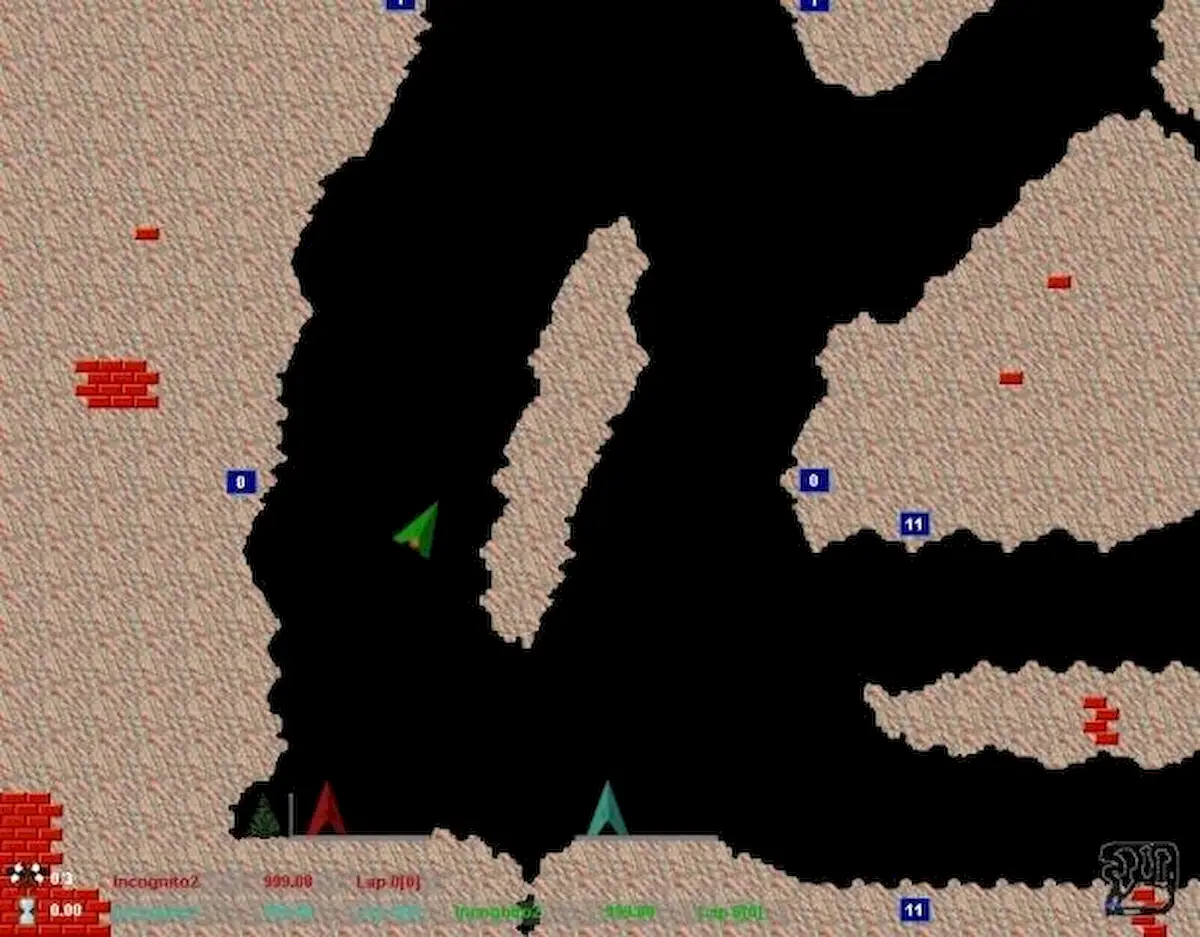
Gravity Force is a series of video games for the Amiga. The first game in the series was commercially published by Kingsoft GmbH in 1989, as a Thrust clone. The goal is to pilot a spaceship through caves and avoid enemy fire.

Play a race, mission or intense combat. Single player, with friends or against artificial intelligence. There are over 50 levels and a map editor included. Global score and achievements with replay on the site.
How to install Galaxy Forces v2 on Linux via Snap on distros that support the technology
To install Galaxy Forces v2 on Linux via Snap, you must have support for this technology installed on your system. If you don't have it, use the tutorial below to install it:
How to install Snap package support on Linux
Since it uses Snap technology, it is possible to install the application on Ubuntu, Fedora, Debian, openSUSE and all distributions that support this format, using this tutorial.
Then you can install Galaxy Forces v2 on Linux via Snap by doing the following:
Step 1. Open the terminal.
Step 2. Install the stable version of the software using this command:
sudo snap install galaxy-forces-v2Step 3. Install the Edge version of the software using this command:
sudo snap install galaxy-forces-v2 --edgeStep 4. Later, if you need to update the software, use:
sudo snap refresh galaxy-forces-v2ready! Now, you can run the program from the Applications/Dash/Activities menu or any other application launcher on your distro, or type galaxy-forces-v2 or in the terminal, followed by the TAB key.
How to uninstall
To uninstall Galaxy Forces v2 via Snap do the following:
Step 1. Open the terminal.
Step 2. Then, if necessary, uninstall the program using the command below;
sudo snap remove galaxy-forces-v2
Chris Skeldon is a contributor to Brytfmonline.com, covering a wide range of topics including news, politics, business, technology, sports, entertainment, and lifestyle. He focuses on delivering clear, accurate, and reader-friendly reporting that helps audiences stay informed about current events and emerging developments. With an emphasis on useful information and balanced storytelling, Chris aims to provide timely coverage of issues and stories that matter most to readers.