
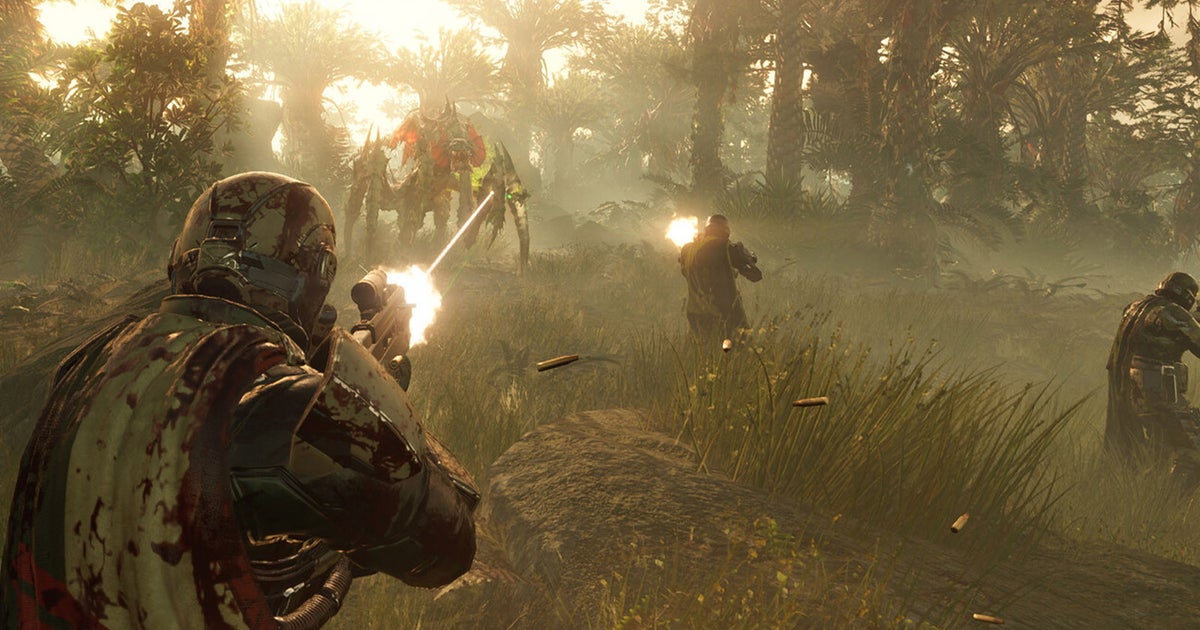
to understand Cross-play support in Helldivers 2 It will let you know if you can play the third-person sci-fi shooter with your friends, whether they are online or not PC or PlayStation 5. Especially when there's a series of Starship Troopers-inspired alien bugs and evil robots shooting you in the head.
Therefore, it is good to know whether Helldivers 2 supports cross-play or not. This way, you'll be ready for whatever Helldivers 2 throws your way!
However, if you prefer to play with players from only one platform, you may want to know about this How to disable cross-play in Helldivers 2…
This page:
Does Helldivers 2 have crossplay?
Yes – Helldivers 2 supports cross-play between PlayStation 5 and PC players. This fact has been confirmed in PlayStation Blog In January 2024. Thanks to this feature, you can play Helldivers 2 with players on PC if you are using PlayStation 5 and vice versa. However, there are some requirements you need to keep in mind if you want to use the cross-play feature in Helldivers 2.
If you're playing on PlayStation 5, you'll need a PlayStation Plus subscription. Meanwhile, PC players need a PlayStation Network account linked to their Steam account for cross-play to work in Helldivers 2. Fortunately, creating a PlayStation Network account is free, so there's no additional cost.
It's also important to note that you'll need a friend code if you want to use the cross-play feature to play with friends in Helldivers 2. This can be easily created in the Social tab in the Pause menu and then anyone you give this code to can be searched for yourself in the same tab. Now all you have to do is accept the invitation (or have them accept the invitation, if you're the sender) and you can invite them to play.
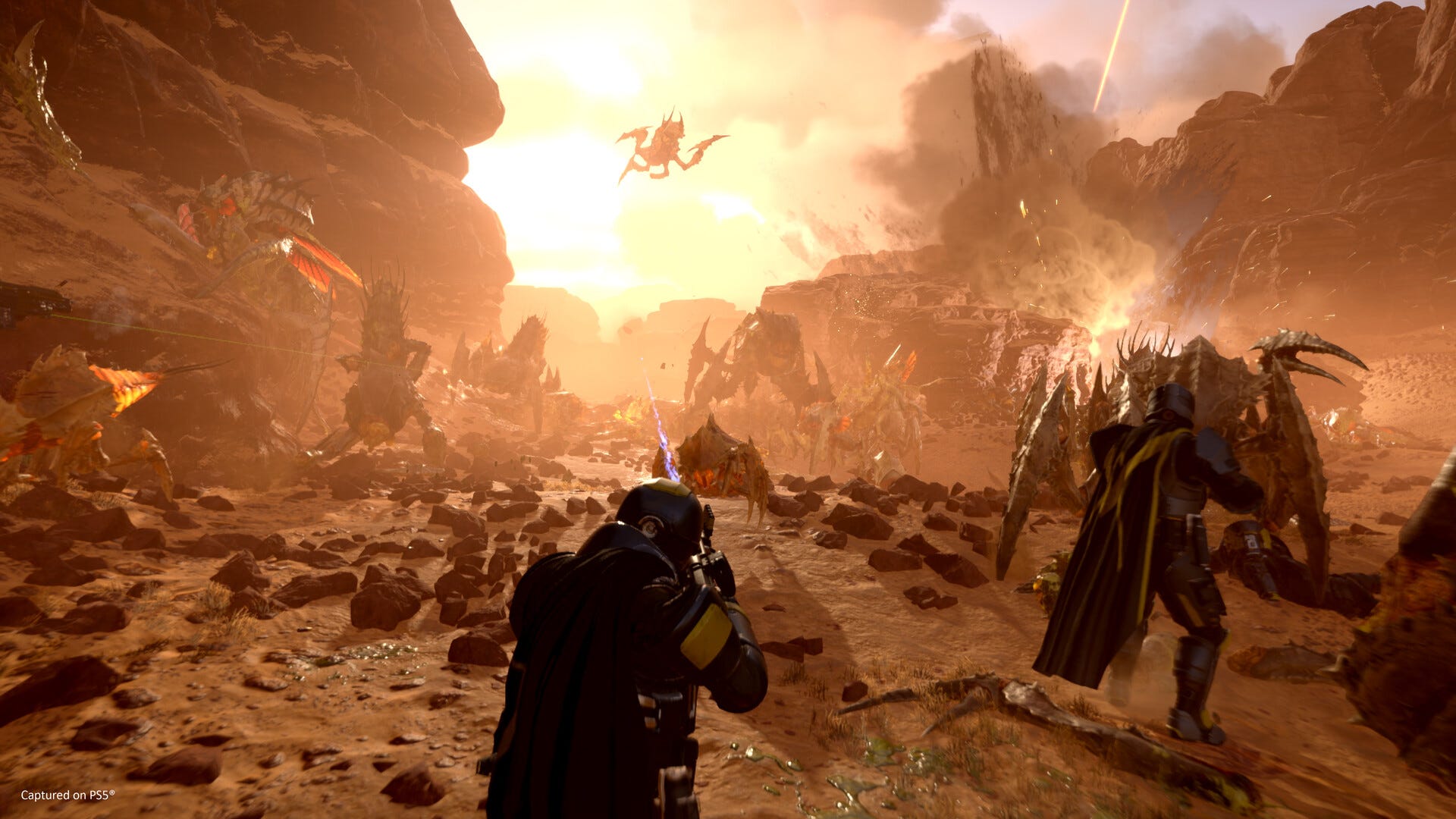
How to disable cross-play in Helldivers 2
If you prefer to disable multiplayer in Helldivers 2, you can do so easily by following these steps:
- Go to the Options tab in the Pause menu.
- Select the “Play” option.
- Look for the “Cross Play” option.
- Select “Off”
- Make sure to save the changed configuration
If you want to turn on the multiplayer feature again, simply follow the steps above again, but this time select “On” instead of “Off.”
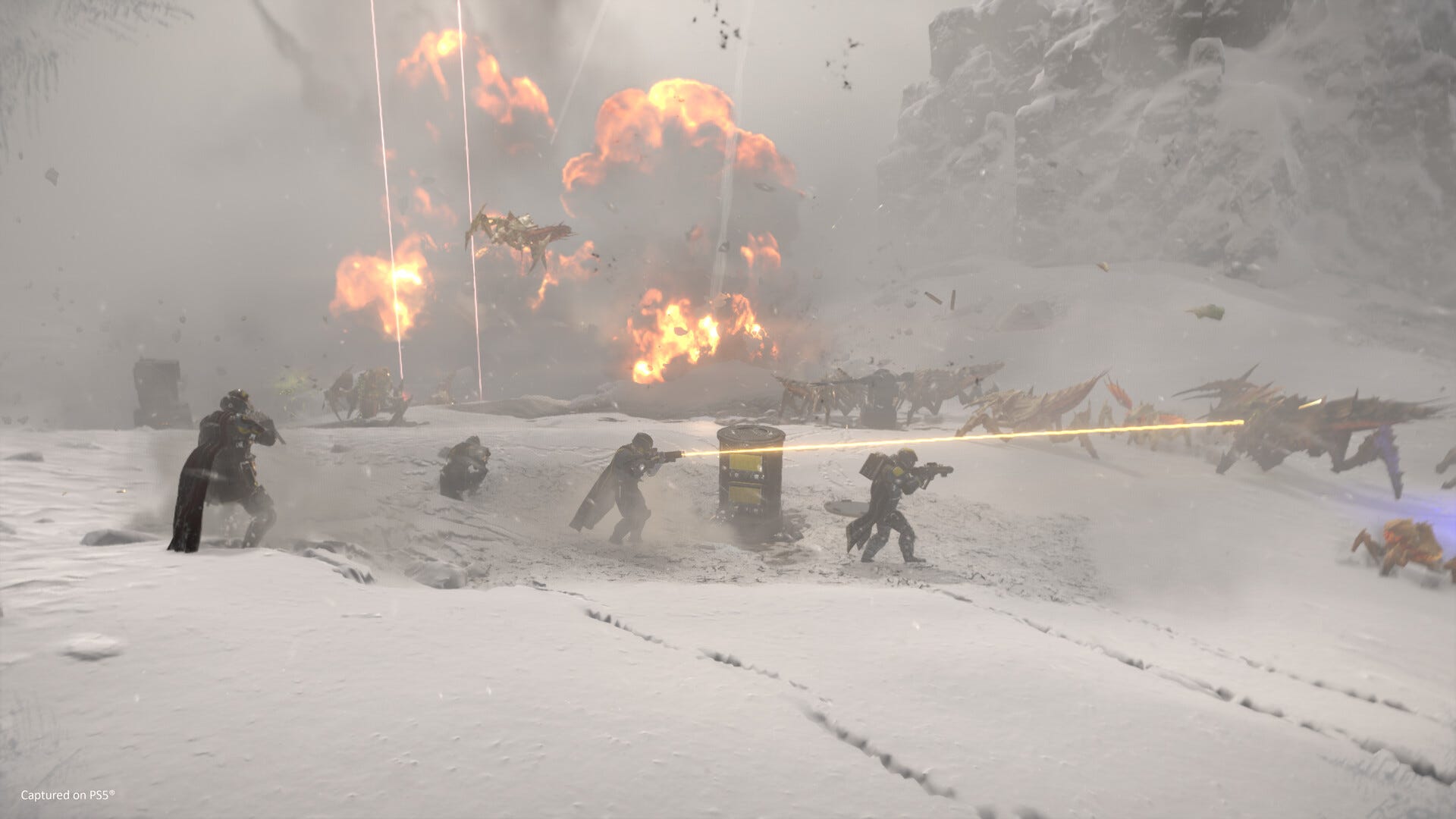
I hope you enjoy using the cross-play feature in Helldivers 2! (Or don't use it, if you turn it off…)

Chris Skeldon is a contributor to Brytfmonline.com, covering a wide range of topics including news, politics, business, technology, sports, entertainment, and lifestyle. He focuses on delivering clear, accurate, and reader-friendly reporting that helps audiences stay informed about current events and emerging developments. With an emphasis on useful information and balanced storytelling, Chris aims to provide timely coverage of issues and stories that matter most to readers.